Look inside
28 pages. Every prompt is one paragraph you paste as is. Real pages from the kit:
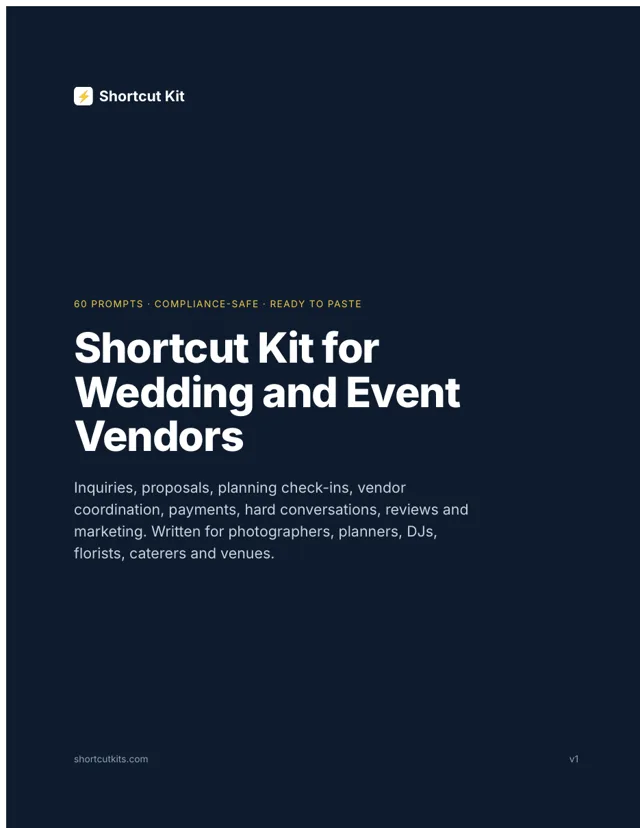
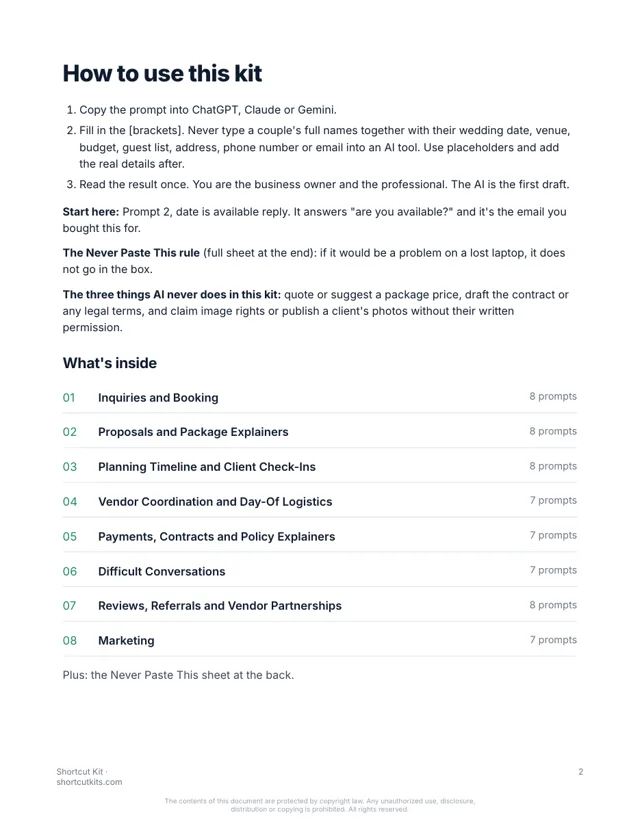
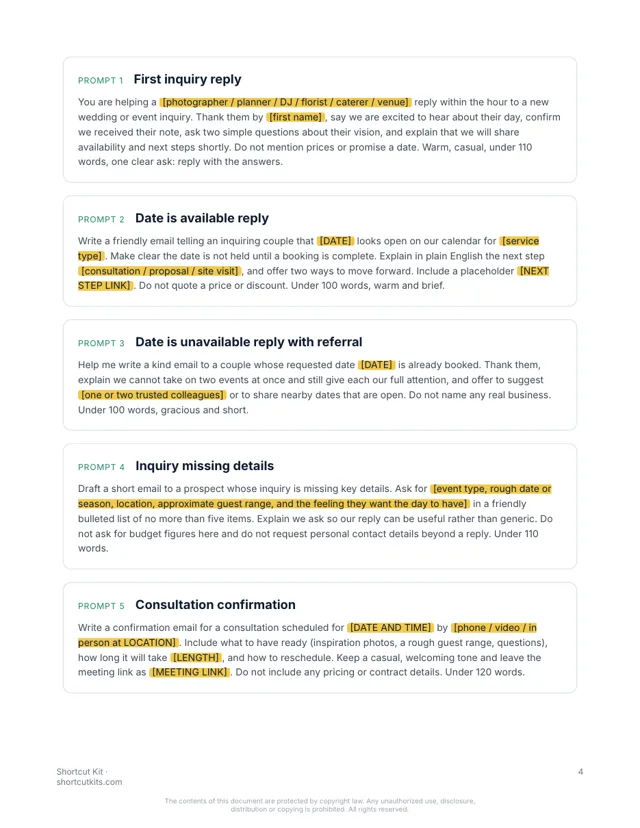
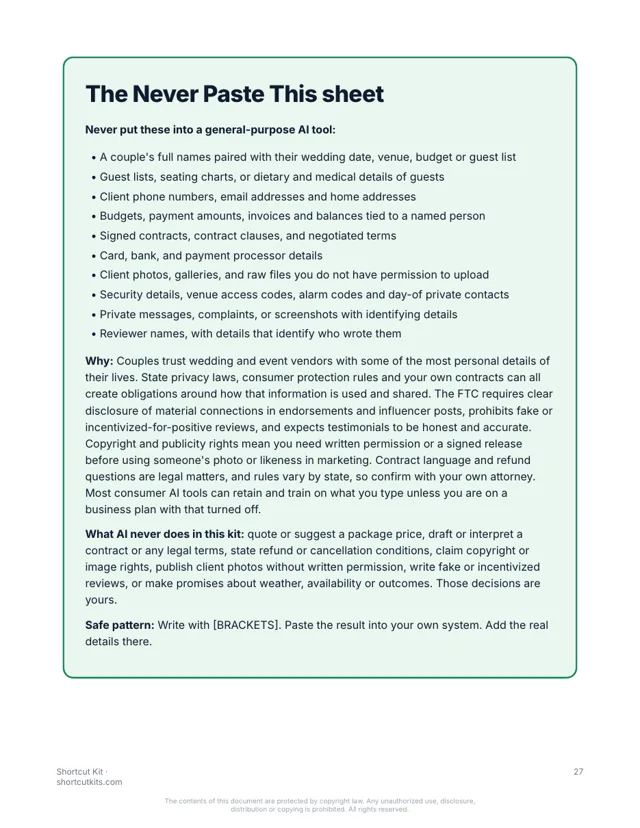
Sixty prompts for inquiries, proposals, planning check-ins, payments and the hard conversations. Written for event vendors. $27.
Write a warm, fast reply to a wedding inquiry for [DATE] at [VENUE OR CITY] from [BUSINESS NAME]. Confirm availability, say what happens next (a short call and a proposal), ask one question about their day, and sound like a person. No pricing. Under 100 words.
Hi! Thank you for reaching out, and congratulations. Good news: your date is open. The next step is a quick call so I can hear about your day, then I'll send a proposal built around it. One question to start: what's the moment you're most excited about? Reply with a couple of times that work and we'll go from there.
Brackets stay blank in the AI tool. No couple's details, ever.
But that’s the inbox. “Are you available on our date?” at 10pm, and whoever answers first gets the call. Proposals. Planning check-ins. The payment reminder. The couple who wants to change everything a week out.
The CRM came with templates and every other vendor sends the same one, which is why you get ghosted. The $3,000 wedding-business course never wrote one reply for you. So you’re still typing every inquiry from scratch at night.
Every prompt is built for an event vendor, organized by the moment in the booking, and uses placeholders so no couple's name, date, venue or budget ever leaves your desk. No package prices, no contract terms. Paste the prompt, fill in the blanks, send.
Fast first replies, availability notes, 'what happens next,' consultation scheduling.
Proposal cover notes, package explainers in plain English, upgrade options. No prices from AI.
Timeline check-ins, questionnaire reminders, 30-day and 7-day notes.
Introductions, timeline shares, day-of logistics, thank-yous after the event.
Payment reminders that stay warm, contract explainers, policy cover notes.
Date changes, scope creep, cancellations, unhappy clients, weather plans.
Review asks, responses, vendor referral partnerships, planner outreach.
Social captions, blog recap outlines, inquiry email sequences, seasonal promos.
What stays out of AI tools, on one page, plus the three things AI never promises a couple.
28 pages. Every prompt is one paragraph you paste as is. Real pages from the kit:
Nothing hidden. Tap a section to see every prompt in it.
The kit is organized by the moment in the booking. Go straight to the one in your inbox.
Works in ChatGPT, Claude or Gemini. Brackets keep the couple's details out of the box.
You bring the taste. The AI wrote the first draft. Thirty seconds instead of fifteen minutes.
Photographers, planners, DJs, florists, caterers, venues and every vendor who is done being their own inbox. Not for software people, not for anyone looking for a 10-hour course.
It’s not a $3,000 course or another CRM template. It's not a chatbot. It won't quote a package, write your contract, or touch a client's details. You review everything. That's the point.
Any of them. ChatGPT, Claude or Gemini, and the free versions work fine.
You never put couple information in. Every prompt uses blanks like [FIRST NAME], and you add the real details in your own email. The kit includes a one-page Never Paste This sheet. Contract terms, payment details and client addresses stay out of the AI, and you add them in your own email.
Planners, photographers, florists, venues, caterers, DJs and rentals. If couples email you the same questions every week, it fits.
If you can copy and paste, yes. Pick the task, paste the prompt, fill in the blanks.
Each kit is for one person. Add the Team license at checkout to cover up to 5 people, including your assistants and coordinators.
Your download page opens the moment you pay, and the same link arrives by email within the hour. It’s a PDF that works on any device.
All sales are final, including accidental or duplicate purchases. That’s why you can see sample pages and try a prompt free before you buy.
Instant digital download. All sales are final, including accidental or duplicate purchases.
Imagine tonight’s “are you available?” answered in thirty seconds, in your voice, with the next step built in. The planning check-in went out on its own. The payment reminder didn’t sound like a payment reminder.