Look inside
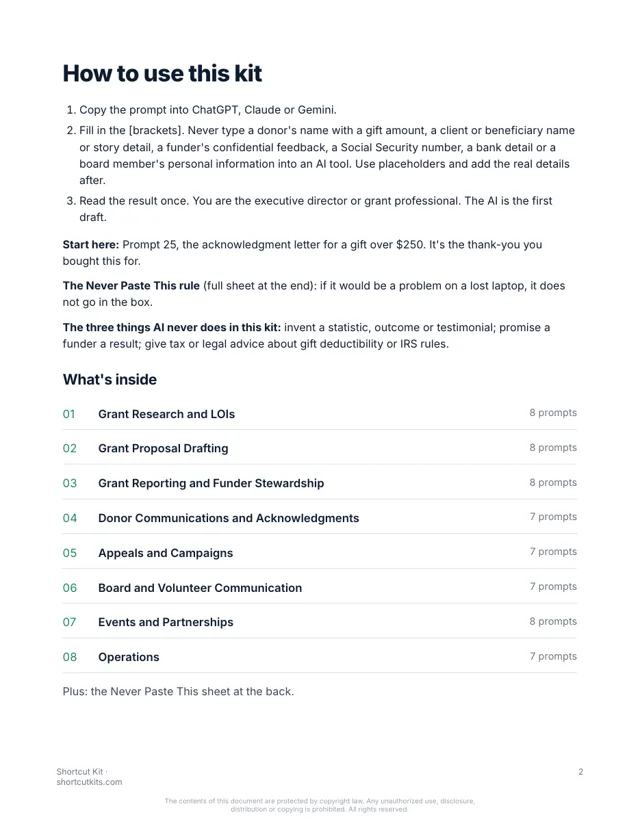
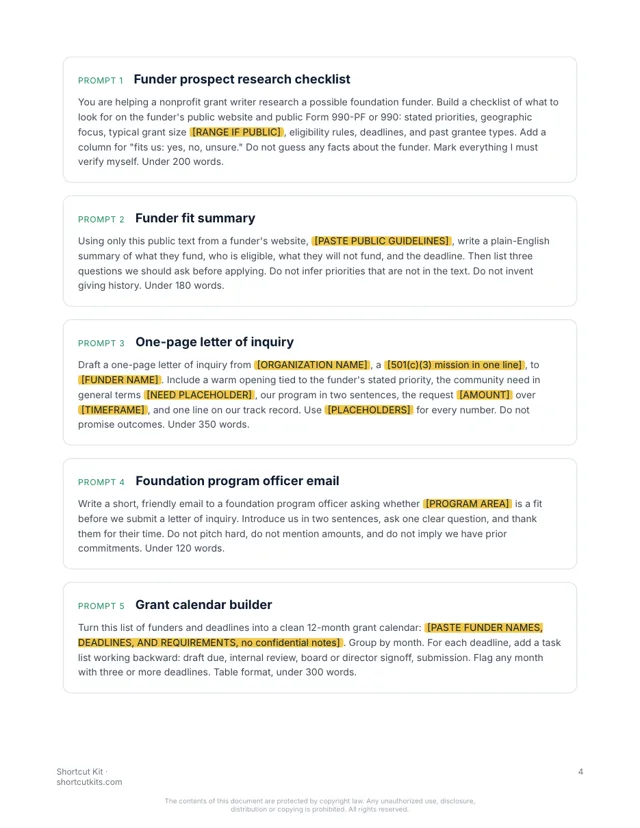
28 pages. Every prompt is one paragraph you paste as is. Real pages from the kit:
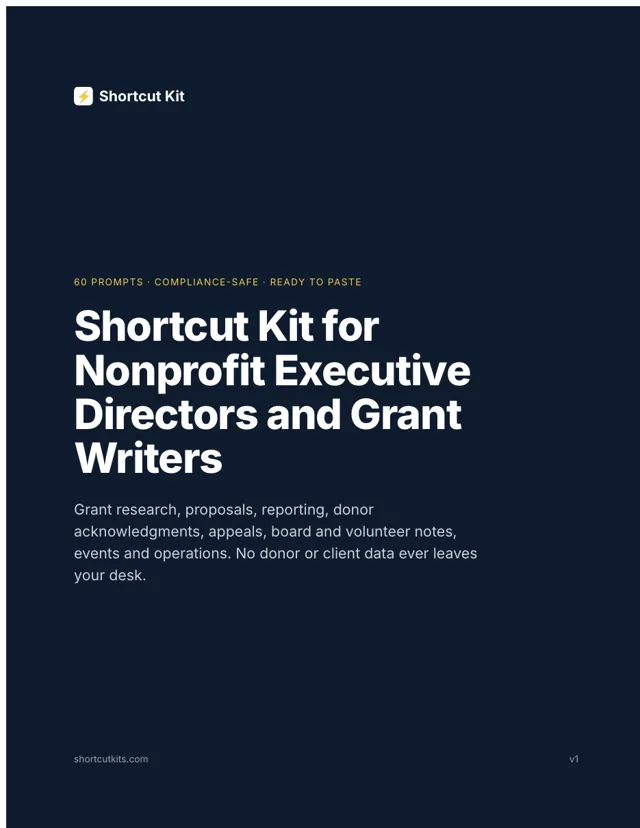
Sixty prompts for grants, funder reports, acknowledgments, appeals and board updates. Written for small nonprofits. No donor data in the AI tool. $27.
Write a warm gift acknowledgment letter from [ORG NAME] for a donation of [AMOUNT] received on [DATE]. Include the required statement that no goods or services were provided in exchange, our EIN placeholder [EIN], and one specific sentence about what the gift makes possible [IMPACT]. Under 150 words.
Dear friend, thank you for your generous gift. Because of you, a family in our program will have a week of groceries and a caseworker who knows their name. No goods or services were provided in exchange for this contribution. Please keep this letter for your records. We're grateful you're part of this work.
Brackets stay blank in the AI tool. No donor data, ever.
But that’s year-end. Acknowledgments stacking up. A funder report due Friday. The appeal that has to go out. A board update nobody will read past the first line unless it’s short.
The $300-a-month donor CRM was going to “automate stewardship.” You use it for mailing labels. The $2,000 fundraising course never wrote one appeal for you. And donor data can’t go anywhere near an AI tool, so you’ve mostly left it alone.
Every prompt is built for a small nonprofit, organized by the task on your desk, and uses placeholders so no donor, client or beneficiary information ever leaves your office. No invented statistics, ever. Paste the prompt, fill in the blanks, send.
Prospect summaries, letters of inquiry, fit checks, funder outreach notes.
Need statements, program narratives, logic model outlines, budget narratives. Placeholders for every real number.
Progress reports, funder updates, site visit prep, thank-you notes that lead to the next gift.
Acknowledgments with the required IRS language, impact updates, lapsed donor notes.
Year-end appeals, Giving Tuesday, monthly giving pitches, matching gift pushes.
Board updates, meeting summaries, volunteer recruitment and thank-yous.
Sponsor asks, event invitations, partner introductions, press notes.
Staff onboarding, policy drafts, impact one-pagers, weekly summary from your numbers.
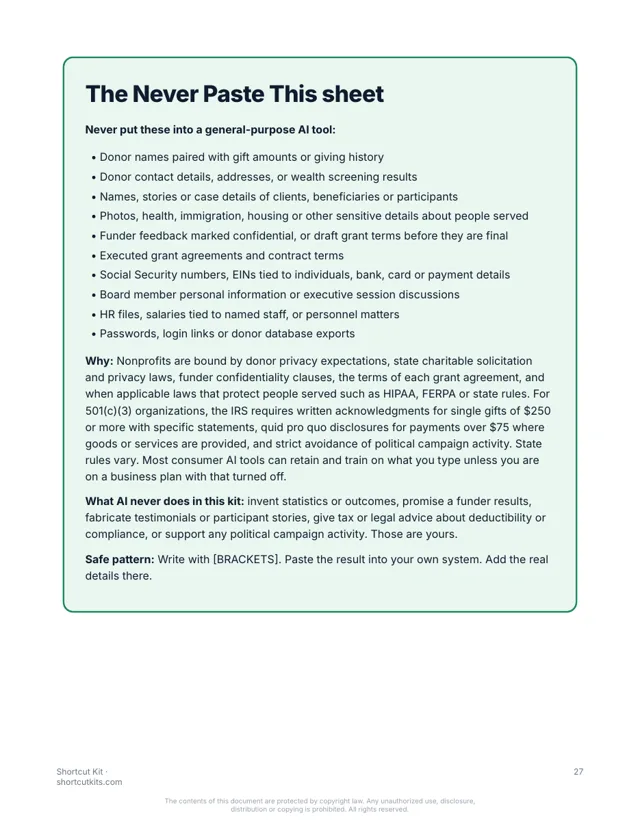
What stays out of AI tools, on one page, plus the three things AI never invents for a funder.
28 pages. Every prompt is one paragraph you paste as is. Real pages from the kit:
Nothing hidden. Tap a section to see every prompt in it.
The kit is organized by task. Go straight to the one due Friday.
Works in ChatGPT, Claude or Gemini. Brackets keep donor and client data out of the box.
You know the mission. The AI wrote the first draft. Thirty minutes instead of three hours.
Executive directors, development staff and grant writers at small and mid-size nonprofits who are done being the whole communications department. Not for software people, not for anyone looking for a 10-hour course.
It’s not a $2,000 fundraising course or another CRM. It's not a chatbot. It won't invent a statistic, promise a funder an outcome, or touch donor data. A human reviews everything. That's the point.
Any of them. ChatGPT, Claude or Gemini, and the free versions work fine.
You never put donor information in. Every prompt uses blanks like [FIRST NAME], and you add the real details in your own email. The kit includes a one-page Never Paste This sheet covering donor privacy, and the gift acknowledgment prompts follow IRS written acknowledgment basics.
It's written for executive directors and small development teams who do the writing themselves.
If you can copy and paste, yes. Pick the task, paste the prompt, fill in the blanks.
Each kit is for one person. Add the Team license at checkout to cover up to 5 people, including your development and program staff.
Your download page opens the moment you pay, and the same link arrives by email within the hour. It’s a PDF that works on any device.
All sales are final, including accidental or duplicate purchases. That’s why you can see sample pages and try a prompt free before you buy.
Instant digital download. All sales are final, including accidental or duplicate purchases.
Imagine this week’s donor thank-you written in thirty seconds, warm, specific, IRS language included. The funder report drafted from your own numbers. The appeal out the door before the match deadline.