Look inside
37 pages. Every prompt is one paragraph you paste as is. Real pages from the kit:
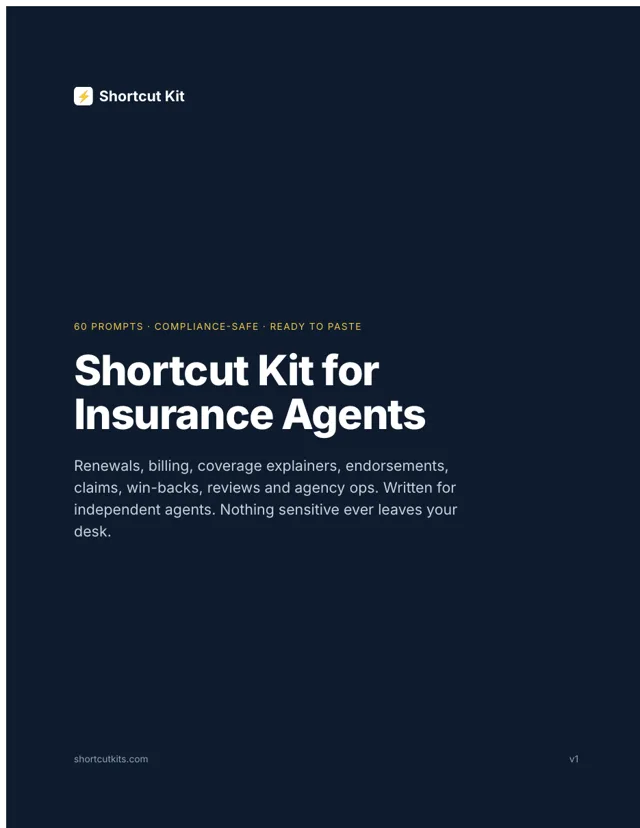
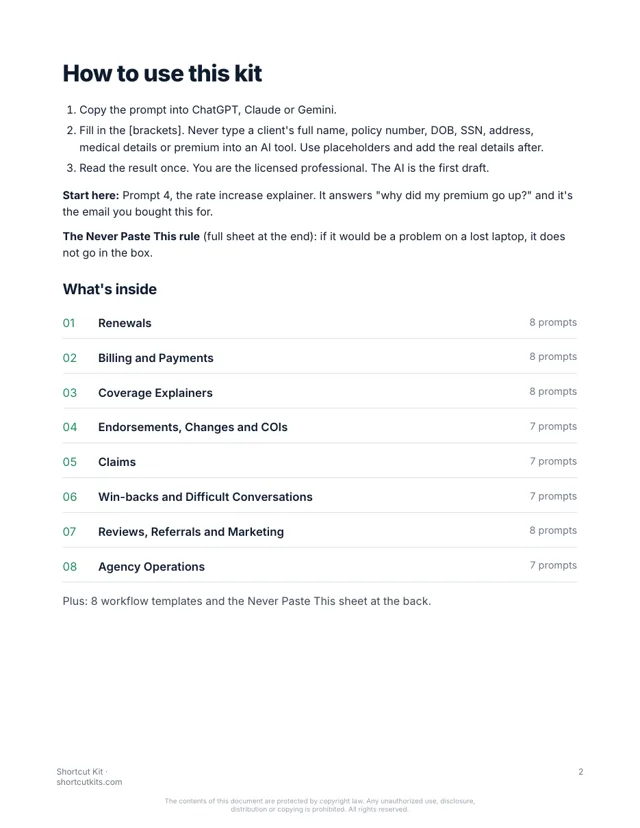
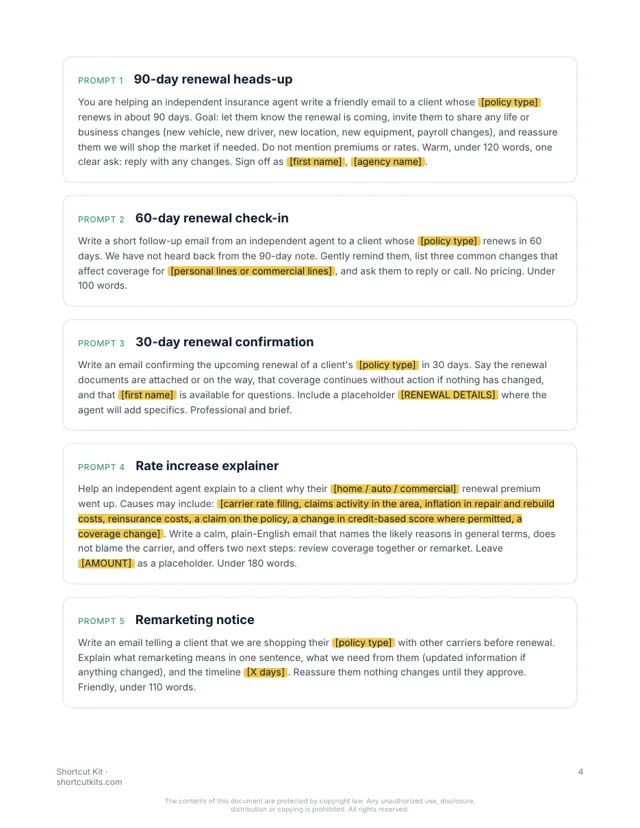
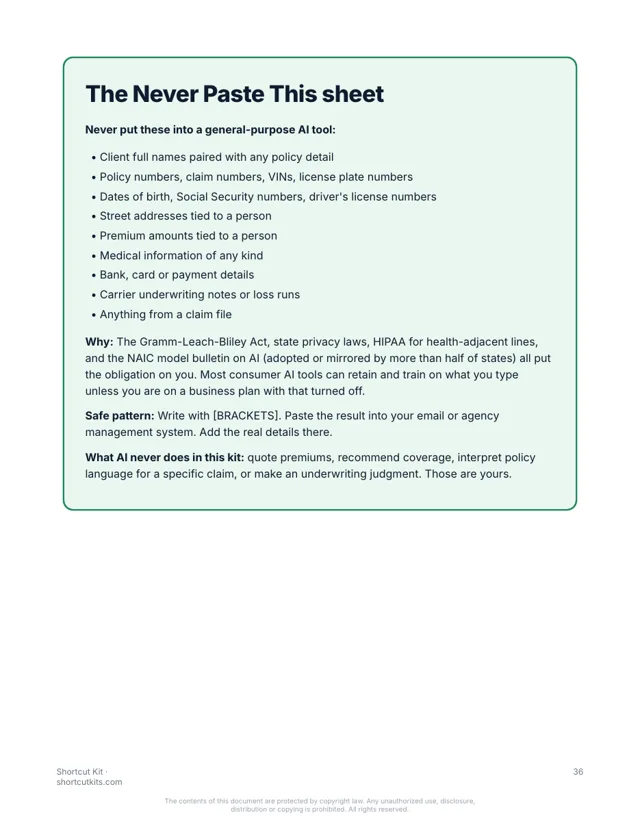
Sixty prompts for renewals, billing, claims and the hard conversations. Written for independent agents. No client data in the AI tool. $27.
Help an independent agent explain to a client why their [home / auto] renewal premium went up. Likely causes: [carrier rate filing, repair cost inflation, area claims]. Calm, plain English, don't blame the carrier. Offer two next steps: review coverage together or remarket. Leave [AMOUNT] blank. Under 120 words.
Hi there, I saw your renewal come through and wanted to get ahead of the question. The increase isn't about anything you did. The carrier filed new rates statewide this year, and repair costs are up across the board. Two options: we can review your coverage together and see what still fits, or I can shop it with a few other carriers. Tell me which you'd prefer and I'll get started.
Brackets stay blank in the AI tool. You add the real details in your email.
But that’s the week. “Why did my premium go up?” four times before lunch. Renewal packets that come back half blank. The same “is this covered?” question twelve times. Billing calls that pay you nothing.
Every agency coach has a fix. Hire a VA. Set up the CRM automation. Buy the course. Somehow the email that needs a real answer still ends up with you at 6:15. And you’ve heard what happens to agents who paste client data into the wrong box, so AI has mostly stayed off the desk.
Every prompt is built for an independent agency, organized by the task you're avoiding, and uses placeholders so no client information ever leaves your desk. Paste the prompt, fill in the blanks, send.
90, 60 and 30 day sequences, plus remarketing and rate-increase explainers that don't sound like bad news.
Late-payment nudges that stay friendly, auto-pay pitches, final notices, reinstatement.
Deductibles, umbrellas, bundling, flood, "why isn't this covered," in plain English.
Confirmations, status replies, certificate intake, and the "we can't add that wording" email.
First-touch, status updates and denial responses that never promise a timeline or an outcome.
The reply for clients who left on price and still call you. Angry emails. Boundaries. Breakups.
Google review asks and responses, referral emails, newsletters, five social posts a month.
CSR scripts, SOPs, onboarding checklists, and a weekly summary from your raw numbers.
What stays out of AI tools, on one page. Plus 8 workflow templates, including a signable AI policy.
37 pages. Every prompt is one paragraph you paste as is. Real pages from the kit:
Nothing hidden. Tap a section to see every prompt in it.
The kit is organized by task, not by topic. Go straight to the one on your desk.
Works in ChatGPT, Claude or Gemini. Brackets keep client details out of the box.
You're the licensed professional. The AI wrote the first draft. Thirty seconds instead of fifteen minutes.
Independent agents and small agency owners who are done being the admin department. Not for carriers, not for software people, not for anyone looking for a 10-hour course.
It’s not a $2,000 agency course or a $300-a-month tool. It's not a chatbot. It won't give coverage advice, quote premiums or touch client data. A licensed human reviews everything. That's the point.
Any of them. ChatGPT, Claude or Gemini, and the free versions work fine.
You never put client information in. Every prompt uses blanks like [FIRST NAME], and you add the real details in your own email. The kit includes a one-page Never Paste This sheet built around the Gramm-Leach-Bliley Act and the NAIC model bulletin on AI in insurance.
It's written for independent P&C agencies, and most prompts work for captive and commercial lines too. Follow your carrier's rules for client communications.
If you can copy and paste, yes. Pick the task, paste the prompt, fill in the blanks.
Each kit is for one person. Add the Team license at checkout to cover up to 5 people, including your CSRs and producers.
Your download page opens the moment you pay, and the same link arrives by email within the hour. It’s a PDF that works on any device.
All sales are final, including accidental or duplicate purchases. That’s why you can see sample pages and try a prompt free before you buy.
Instant digital download. All sales are final, including accidental or duplicate purchases.
Imagine “why did my premium go up?” answered before your coffee’s cold. The billing nudge went out on its own. The “is this covered” email took thirty seconds instead of fifteen minutes.