Look inside
28 pages. Every prompt is one paragraph you paste as is. Real pages from the kit:
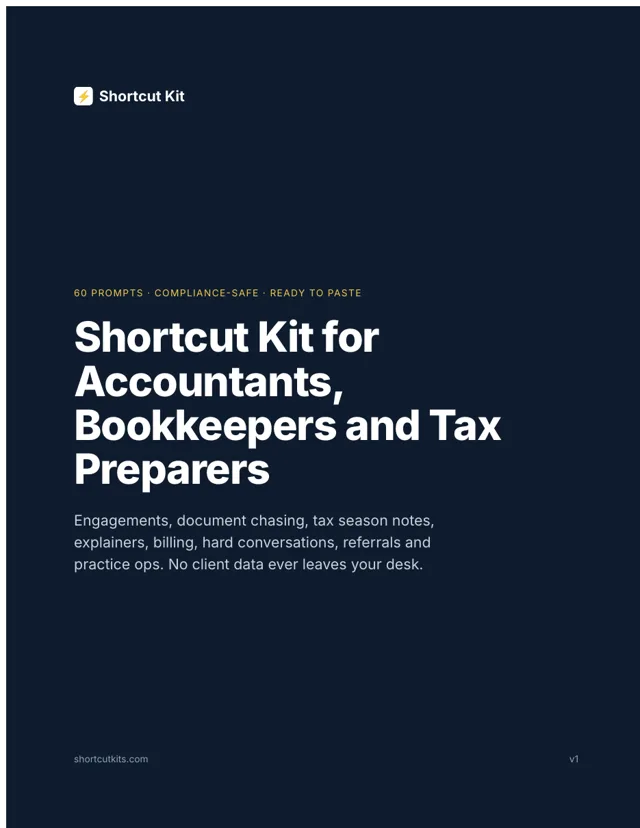
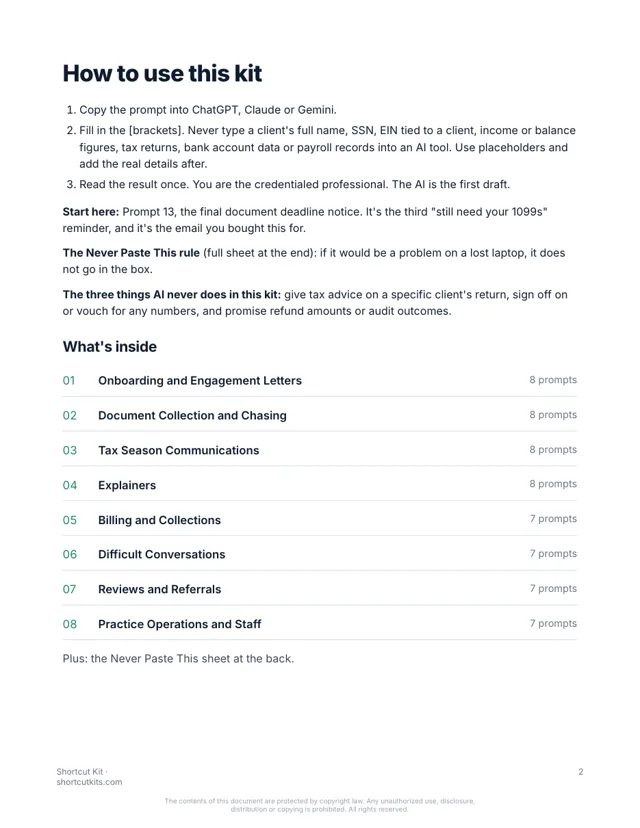
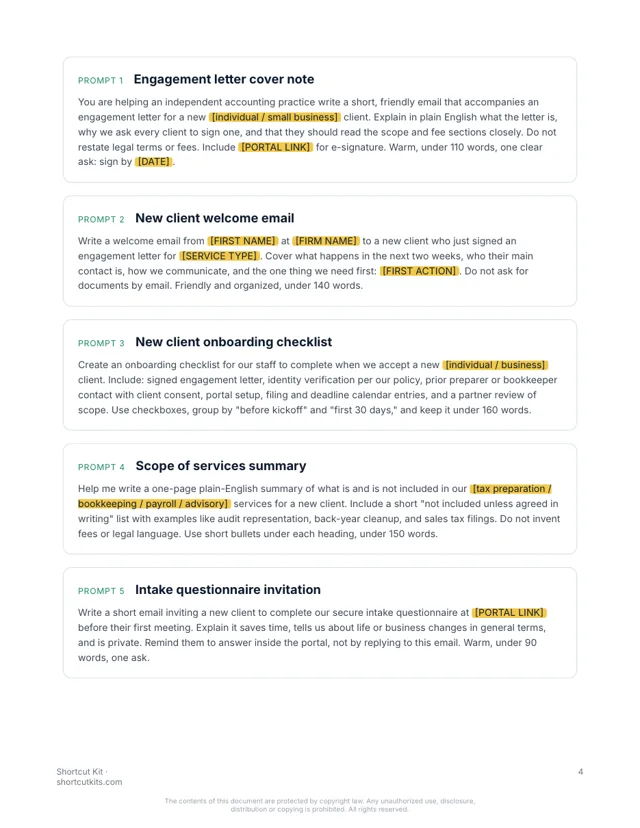
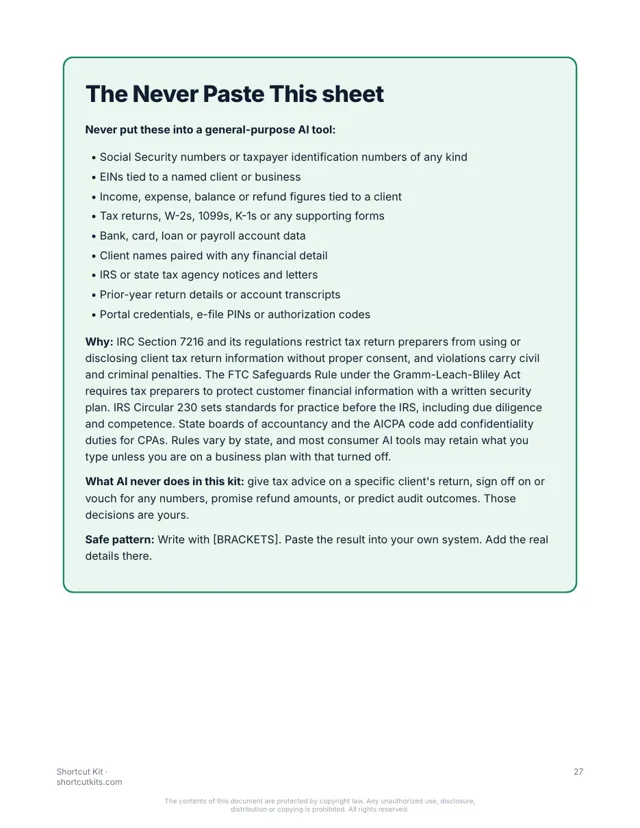
Sixty prompts for document chasing, deadlines, plain-English explainers, billing and the hard emails. Written for small firms. No client data in the AI tool. $27.
Write a short, friendly follow-up to a client who has not sent their [ITEMS: W-2s, 1099s, bank statements] yet. Assume they are busy. Restate what is missing, why it matters for the [DEADLINE], and the secure upload link [LINK]. Under 90 words. No guilt.
Hi there, quick nudge on the last few items for your return. I'm still waiting on your W-2s and the December bank statement. Once those are in, I can finish up before the deadline without needing an extension. The secure upload link is below, and it takes about two minutes. Thanks for getting these over when you can.
Brackets stay blank in the AI tool. No client figures, ever.
But that’s March. The same six clients, the same missing documents, the same deadline. Plain-English questions about things that aren’t plain. Invoices that need a nudge. The client who missed the date and needs a kind, firm answer.
The firm consultant sold you a client portal to end the chasing. They never log in. The $4,000 “firm of the future” program never wrote one reminder for you. And client figures can’t go anywhere near an AI tool, so you’ve mostly left it alone.
Every prompt is built for a small firm, organized by the task you're avoiding, and uses placeholders so no client identifier, figure, or return detail ever leaves your desk. Paste the prompt, fill in the blanks, send.
Welcome emails, engagement letter cover notes, what-to-expect, secure portal instructions.
First asks, gentle chases, final chases, organizer explainers, 'what counts as a receipt.'
Deadline reminders, extension explainers, 'we filed' confirmations, estimated payment notes.
Estimated taxes, deductions in general terms, entity types, bookkeeping basics. No advice on a specific return.
Invoice cover notes, late-payment nudges, retainer explainers, scope-change conversations.
Late clients, scope creep, disengagement letters, the IRS-notice calm-down email.
Review requests, responses that never confirm a client relationship, referral asks.
Staff onboarding, season-prep SOPs, out-of-office, weekly firm summary.
What stays out of AI tools, on one page, plus the three things AI never does for a preparer.
28 pages. Every prompt is one paragraph you paste as is. Real pages from the kit:
Nothing hidden. Tap a section to see every prompt in it.
The kit is organized by task, not by topic. Go straight to the one on your desk.
Works in ChatGPT, Claude or Gemini. Brackets keep client data out of the box.
You're the credentialed professional. The AI wrote the first draft. Thirty seconds instead of fifteen minutes.
Accountants, bookkeepers, EAs and tax preparers at small firms who are done being the reminder department. Not for software people, not for anyone looking for a 10-hour course.
It’s not a $4,000 firm-growth program or another portal. It's not a chatbot. It won't give tax advice on a specific return, sign off on numbers, or touch client data. A credentialed professional reviews everything. That's the point.
Any of them. ChatGPT, Claude or Gemini, and the free versions work fine.
You never put client information in. Every prompt uses blanks like [FIRST NAME], and you add the real details in your own email. The kit includes a one-page Never Paste This sheet built around IRS Circular 230 and the FTC Safeguards Rule. No prompt gives tax advice for a specific situation.
Yes. It's written for small accounting, bookkeeping and tax practices, with sections for each part of the year.
If you can copy and paste, yes. Pick the task, paste the prompt, fill in the blanks.
Each kit is for one person. Add the Team license at checkout to cover up to 5 people, including your staff accountants and admins.
Your download page opens the moment you pay, and the same link arrives by email within the hour. It’s a PDF that works on any device.
All sales are final, including accidental or duplicate purchases. That’s why you can see sample pages and try a prompt free before you buy.
Instant digital download. All sales are final, including accidental or duplicate purchases.
Imagine the third reminder written in thirty seconds, friendly, with the deadline and the two options spelled out. The engagement letter went out on its own. The “what does this mean?” explainer took one minute instead of fifteen.